Free trading psychology lessons
See the pattern before the next click.
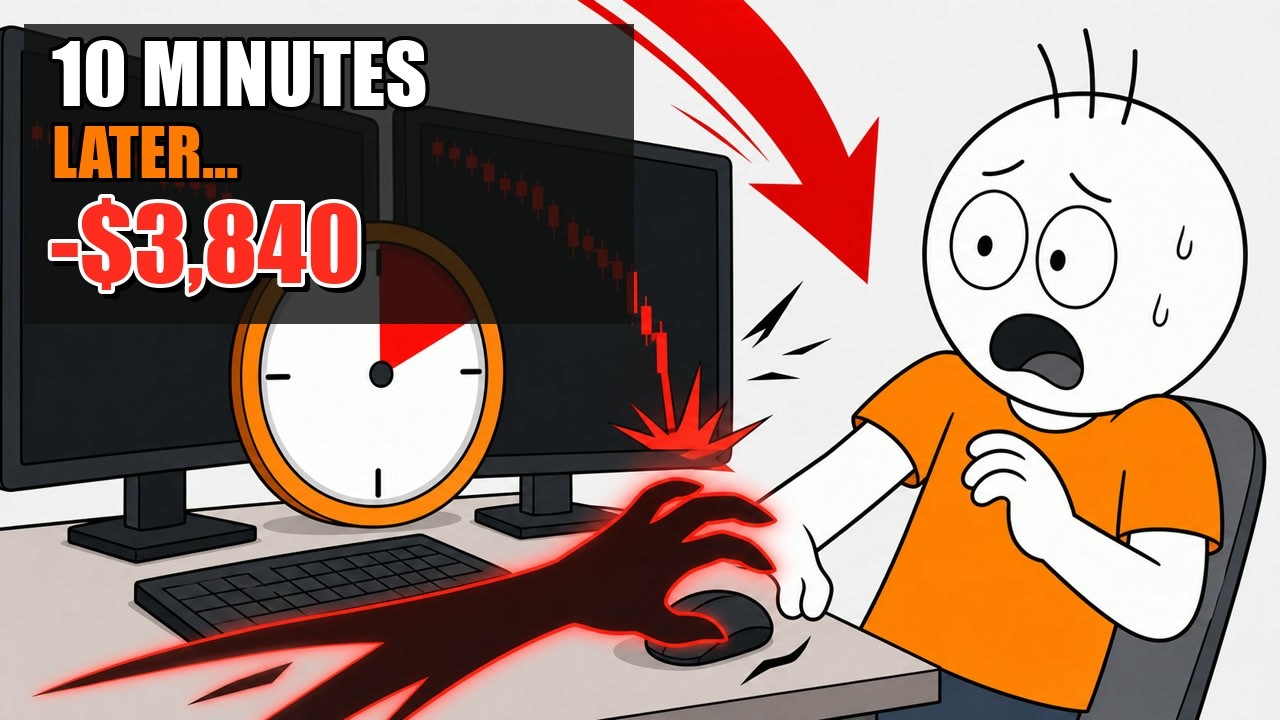
Animated stories about revenge trading, overtrading and the emotional decisions that turn an ordinary loss into a dangerous one.
Test rules on your past trades, set your trading rules while you are calm, then trade normally. GuardMyTrade explains your patterns and stops new trades only after a supported broker verifies the restriction.
Windows + Android app 30 brokers supported today Encrypted, revocable connections
74–89% of retail traders lose money. Not because they lack a strategy — because they can't stick to one.
You take a loss. Instead of walking away, you double down to "make it back." Now you're down twice as much.
Your plan says 3 trades max. But the market keeps moving, and you keep clicking. By EOD you've made 14 trades.
Three losers in a row. You know you should stop. But the next setup "looks perfect." It isn't. It never is.
Animated stories about revenge trading, overtrading and the emotional decisions that turn an ordinary loss into a dangerous one.
Built by traders who blew accounts before building this.
Set a dollar amount you're willing to lose per day. Hit the limit, and the protection workflow starts for the accounts you selected.
Cap your total round-trip trades. Prevents the "one more trade" spiral that kills accounts.
Mandatory pause after any losing trade. Long enough for the emotion to pass.
Choose the hours you intend to trade and start your configured protection action when an account breaches that window.
Set the point where you want to stop for the day. When you reach it, protection starts for the accounts covered by that rule.
See whether protection is requested, waiting for a flat account, applying, verified, failed, or unavailable instead of guessing what happened.
Use My Rules or a prop challenge on broker-synced past trades. Compare actual history with a historical estimate before costs, not a forecast.
After 25 completed trades, explore patterns, a trading calendar, and month views. The observations are actionable, but outcomes are not guaranteed.
Choose the accounts each rule protects and decide whether GuardMyTrade waits until you are flat or closes risk first where your broker allows it.
GuardMyTrade evaluates supported rules using available broker facts. When a rule triggers, the protection process starts, and the app distinguishes requested, waiting, applying, failed, unavailable, and broker-verified states.
When a rule is crossed, the protection process starts. The recommended action waits until you are flat; where supported, closing risk happens only when you explicitly authorize it. For Tradovate, Blocked appears only after the hard restriction is verified.
Win-rate and P&L charts tell you what happened. Insights adds patterns, a calendar, and month views, plus historical estimates before costs of how selected behaviors affected past results. Use that evidence to choose a next step; it does not guarantee an outcome.
Choose the exact demo or live account you want to use. Capabilities differ by broker: some support verified account restrictions, while monitor-only connections provide data without broker blocking.
 Tradovate
 NinjaTrader
 OANDA
OANDA Alpaca
 E*TRADE
 Webull
 tastytrade
 Coinbase
 Robinhood
 Fidelity
 Questrade
 Kraken
Three steps. No willpower required.
Daily loss limit, max trades, cooldown after losses, trading hours. Your rules, your limits.
GuardMyTrade runs silently in the background. A small shield icon in your system tray shows your status.
Cross a rule? Protection starts for its selected accounts. New exposure is called Blocked only after a supported broker verifies the restriction.
If you have a plan but can't always follow it under pressure, GuardMyTrade is the guardrail.
Fast markets, real leverage. One tilt session can erase a good week — hard limits stop it before it starts.
Test a firm's challenge terms on your past trades, then protect the exact accounts and limits you choose. Historical estimates never guarantee a pass.
Coming back from a drawdown? Lock in the habits that protect your account while you find your rhythm again.
You connect through your broker's own login or a revocable token, so GuardMyTrade never sees your password. It cannot withdraw or transfer funds. Where certified capability supports it, cancellation or closing requires your explicit breach-action consent; it never opens a speculative position.